





NEWSLETTER SIGN UP
Not sure which scanner suits your vehicle? Join our list for buying guides, compatibility tips and occasional offers.

Local NZ Stock & Warranty
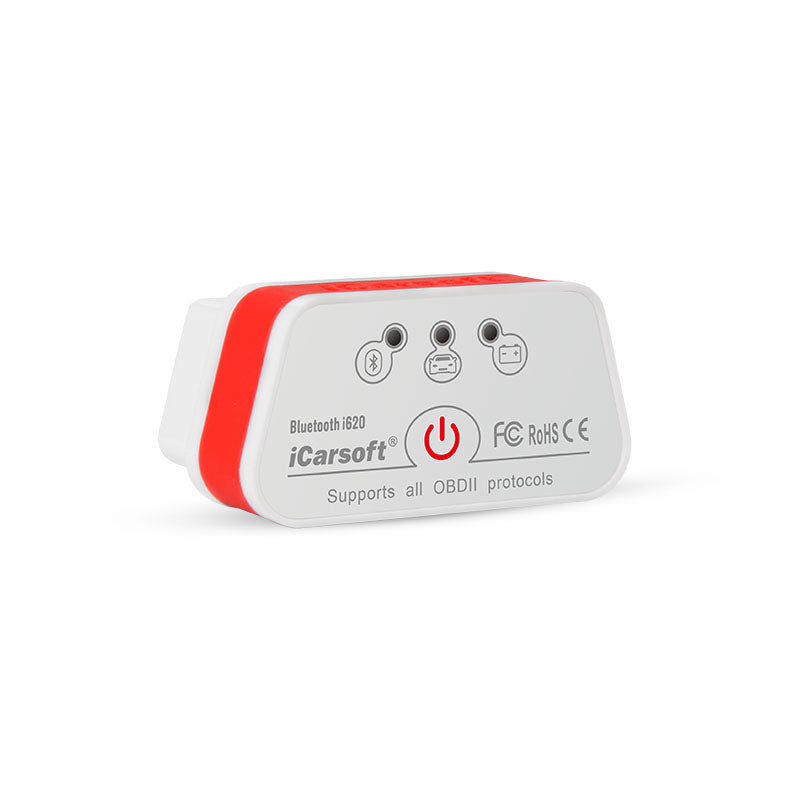
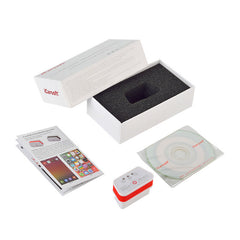
THE BLUETOOTH ANDROID ENGINE CODE READER
Basic OBD2 engine diagnostics and live data through a compatible Android phone, tablet or computer.
The iCarsoft i620 is a compact Bluetooth OBD2 adapter for Android users who want to check an engine warning light, read and clear standard engine fault codes and view live vehicle data on a phone, tablet or compatible computer.
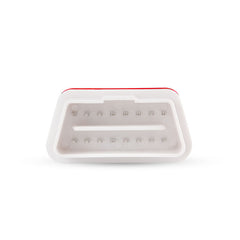
It plugs directly into the vehicle’s 16-pin OBD2 port and communicates with a compatible third-party OBD2 app over Bluetooth.
WHERE IT FITS
The i620 is an entry-level engine and emissions reader. It does not provide ABS, airbag, transmission, service-reset or manufacturer-specific full-system diagnostics.
The i620 connects by Bluetooth and is intended for compatible Android phones and tablets. It can also be used with supported Windows software.
A compatible third-party OBD2 app is required. iCarsoft’s setup information refers to Torque for Android. App availability, pricing and supported functions are controlled by the app provider and can change over time.
The i620 does not support iPhone or iPad. Choose the Wi-Fi i610 for iOS devices. The i620 does not include its own screen or a dedicated iCarsoft diagnostic app.
The i620 is designed for OBD2-compliant petrol and diesel vehicles using a standard 16-pin diagnostic port. It supports the common OBD2 communication protocols:
OBD2 compliance varies by market, vehicle age and fuel type. The presence of a 16-pin connector alone does not guarantee complete compatibility.
The compact adapter includes a power switch and automatic sleep function. It can enter a low-power state after communication stops, reducing battery draw when left connected.
For vehicles stored for long periods, disconnecting any OBD2 adapter remains the safest option.
i620 Bluetooth
Choose this for Android devices where a Bluetooth connection is preferred.
i610 Wi-Fi
Choose this for iPhone or iPad, or where Wi-Fi connection is preferred.
Choose the i620 if you use Android and want a small Bluetooth adapter for basic engine-code reading and live OBD2 data.
Choose the i610 for iPhone or iPad. Choose a V2.0, V3.0, CR Pro or CR Max tool where access to ABS, airbags, transmission, service resets or other manufacturer-specific systems is required.
OFFICIAL ICARSOFT NEW ZEALAND DISTRIBUTOR
Genuine iCarsoft products, NZ stock, GST invoices and New Zealand warranty support.
Works fast delivery , this is second one for other car
Not sure which scanner suits your vehicle? Join our list for buying guides, compatibility tips and occasional offers.
Thanks for subscribing!
This email has been registered!